App tutorials

How to use Wellboy.

Visual, step-by-step guides to Wellboy’s key features. Follow the numbered taps from left to right.

Blue ring = tapArrow = swipe

Log food

3 steps
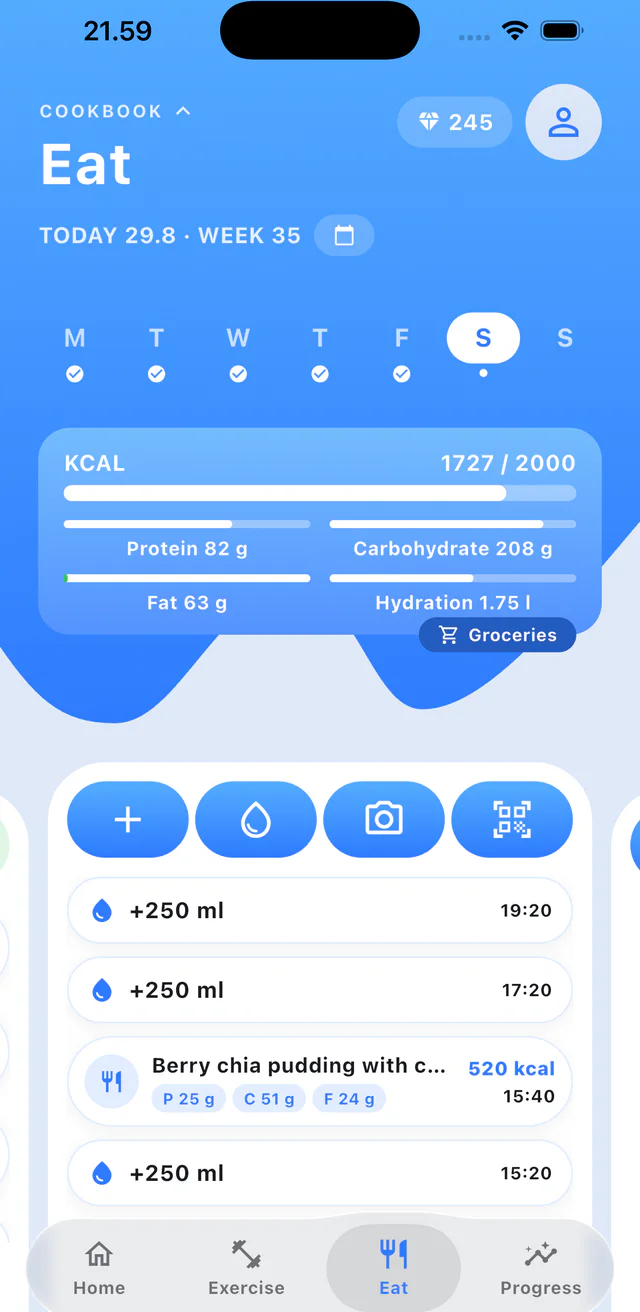
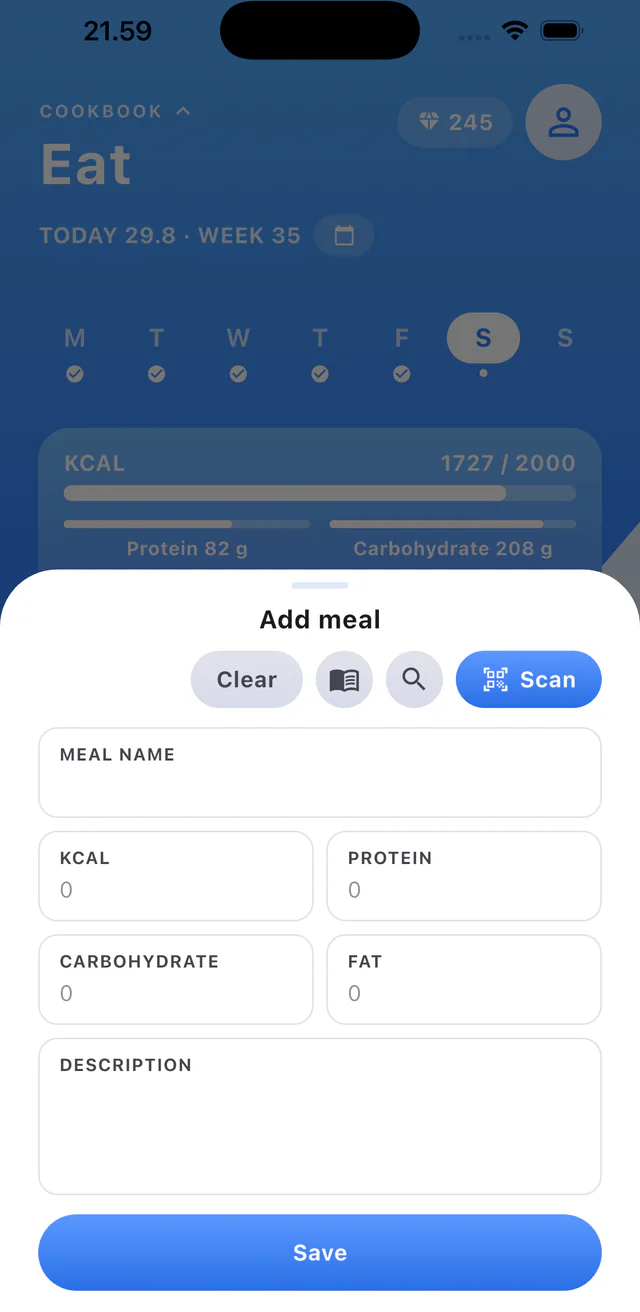
  1. Step 1: Open Eat and tap the plus button.
  2. Step 2: Search for a food or scan it.
  3. Step 3: Check the meal details and tap Save.

Create a recipe

3 steps

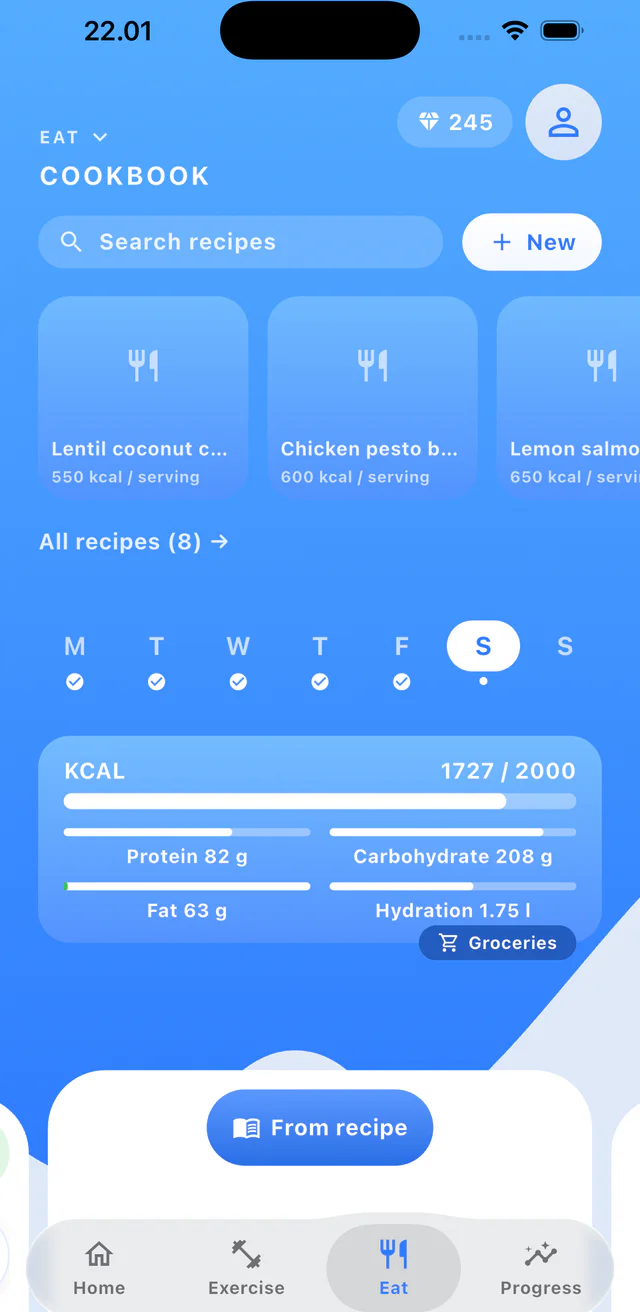
  1. Step 1: Open Cookbook and tap New.
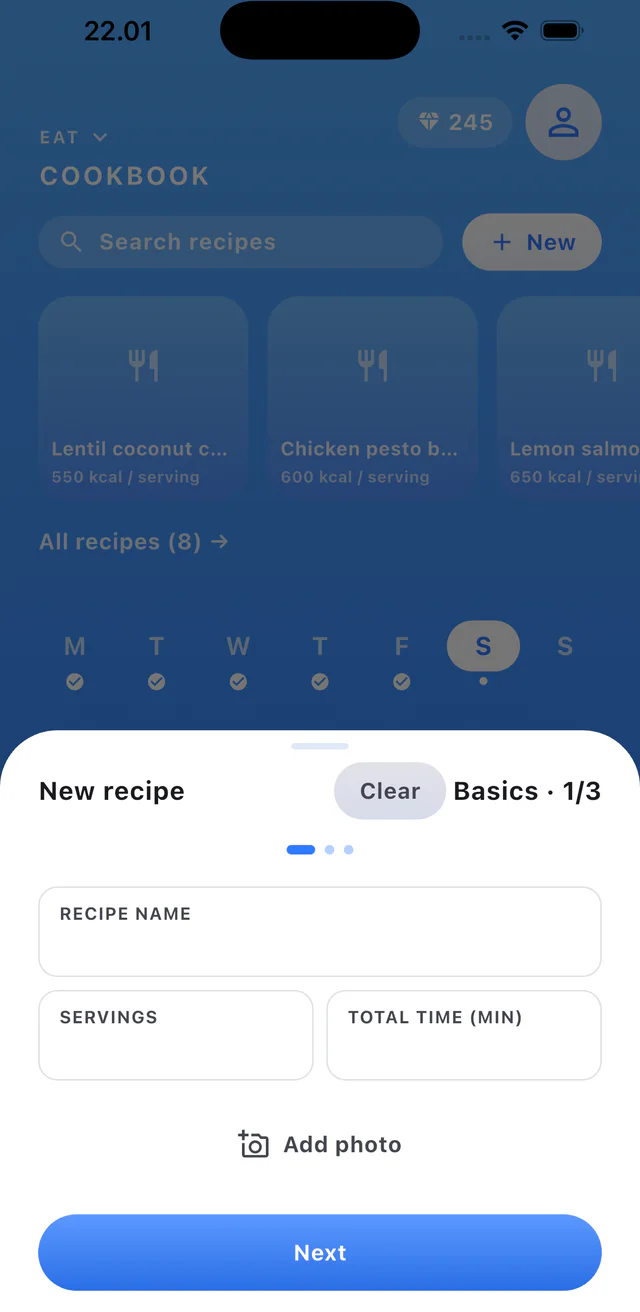
  2. Step 2: Add the recipe basics and continue.
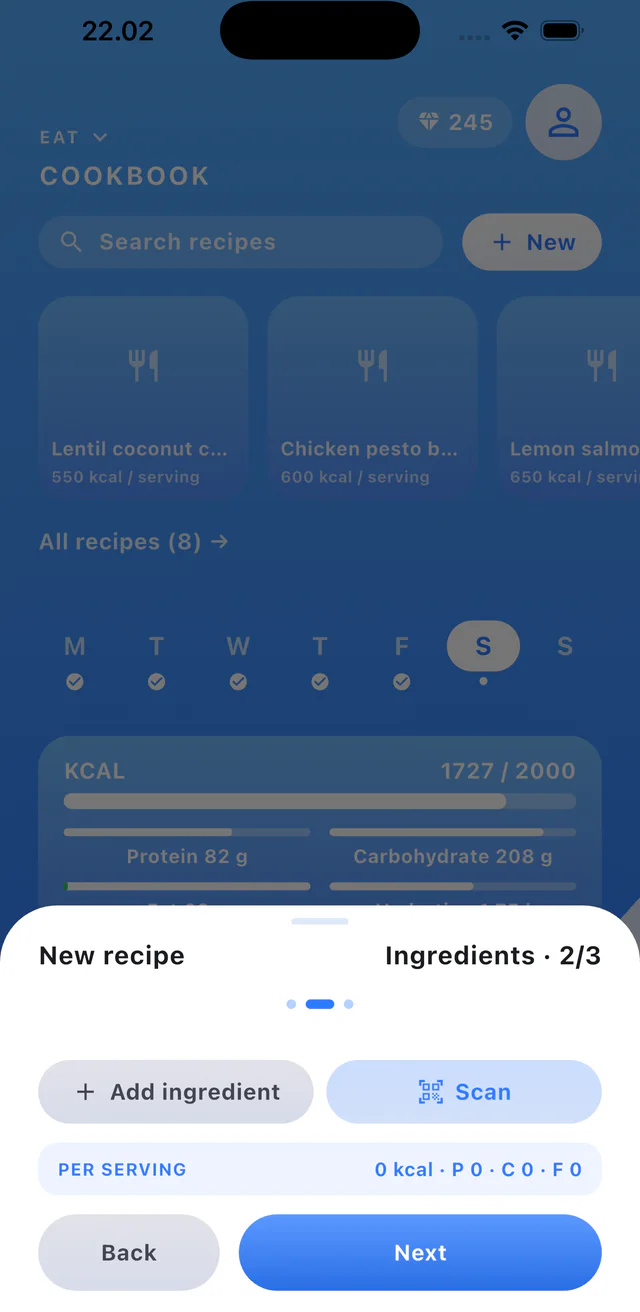
  3. Step 3: Add ingredients and continue.

Create a workout share code

3 steps
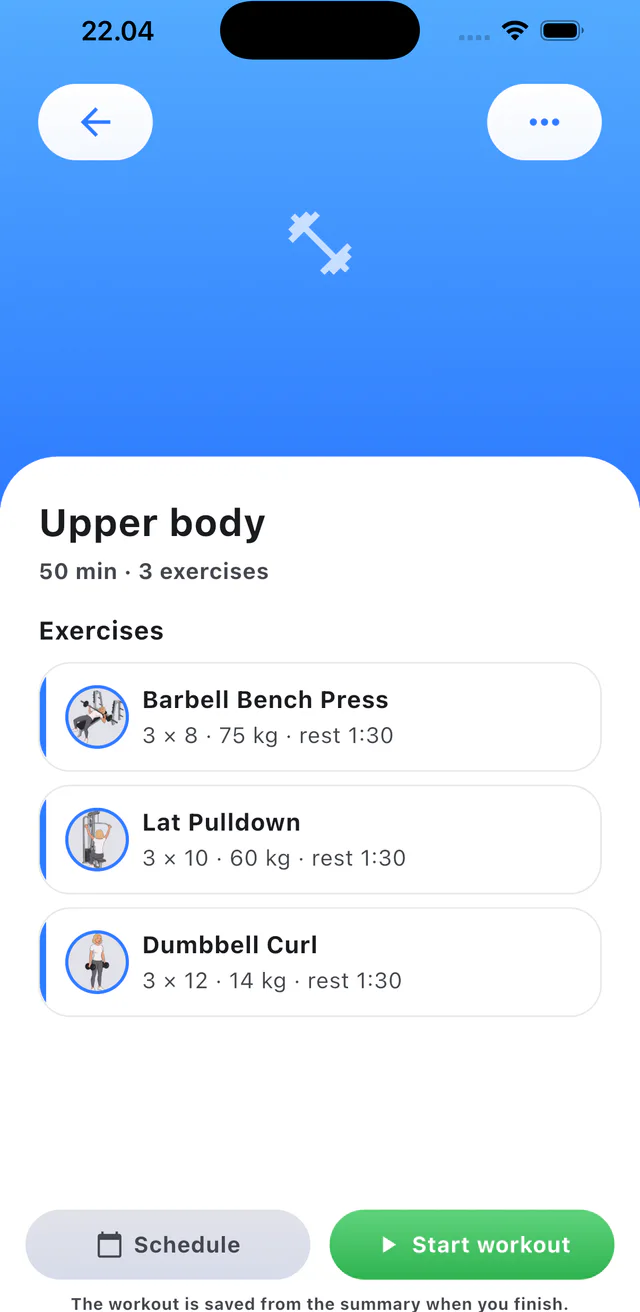
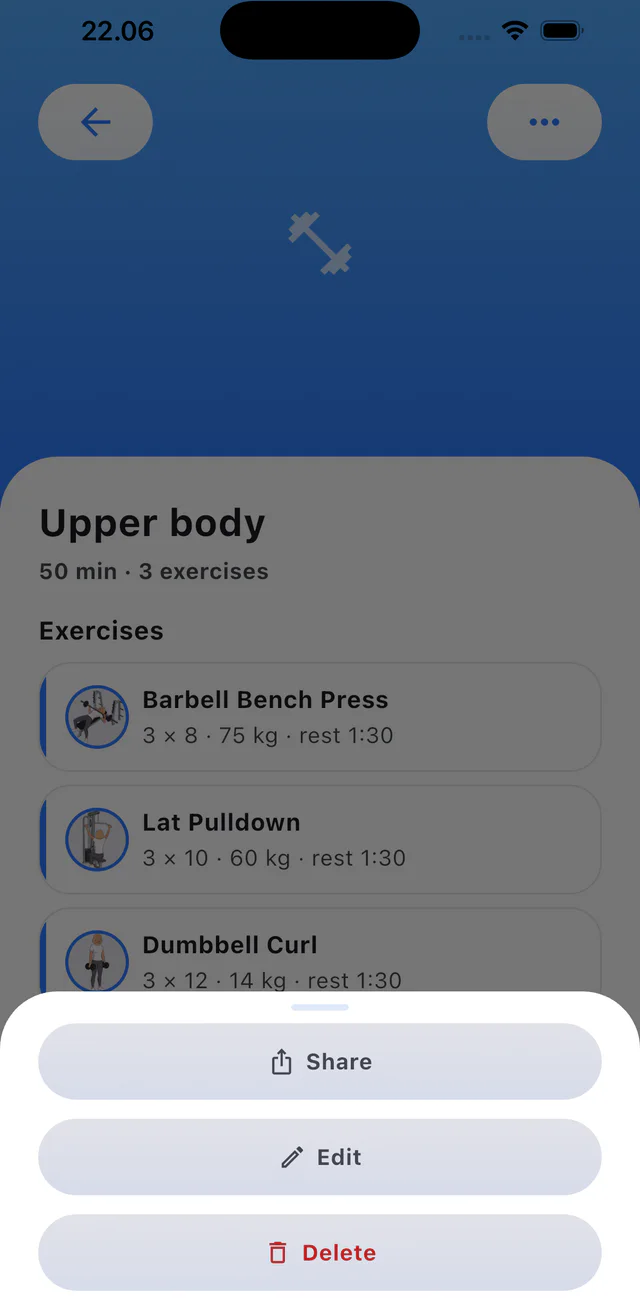
  1. Step 1: Open a workout and tap the menu.
  2. Step 2: Tap Share.
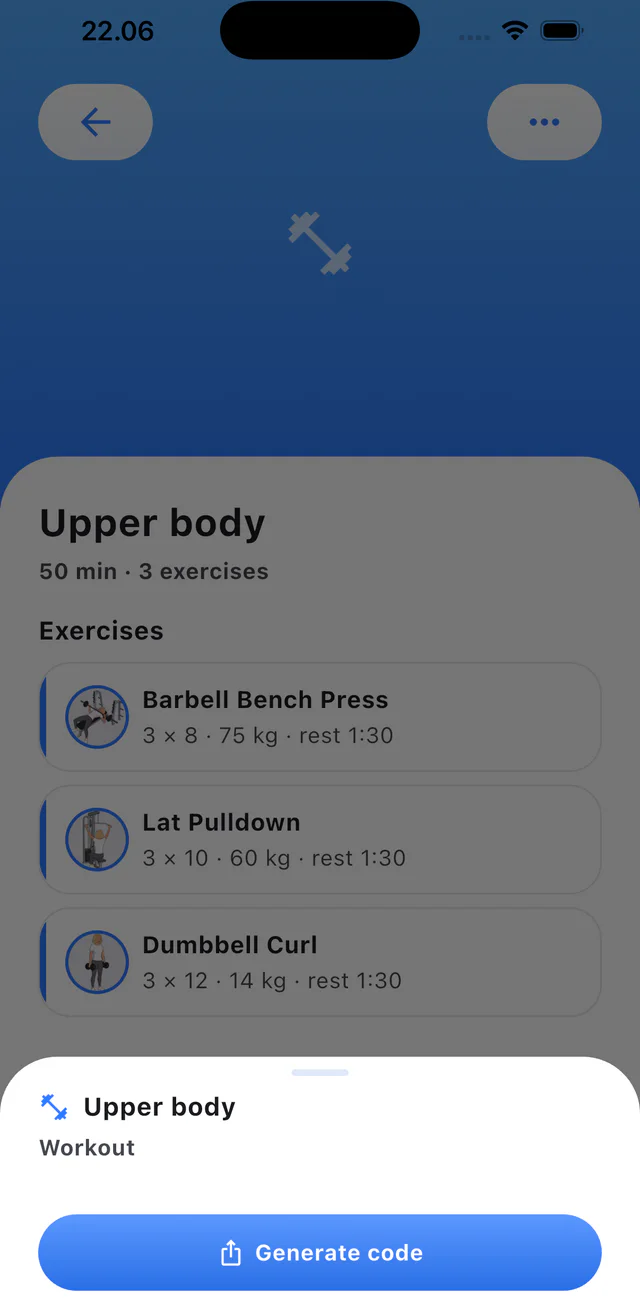
  3. Step 3: Tap Generate code.

Perform a workout

3 steps

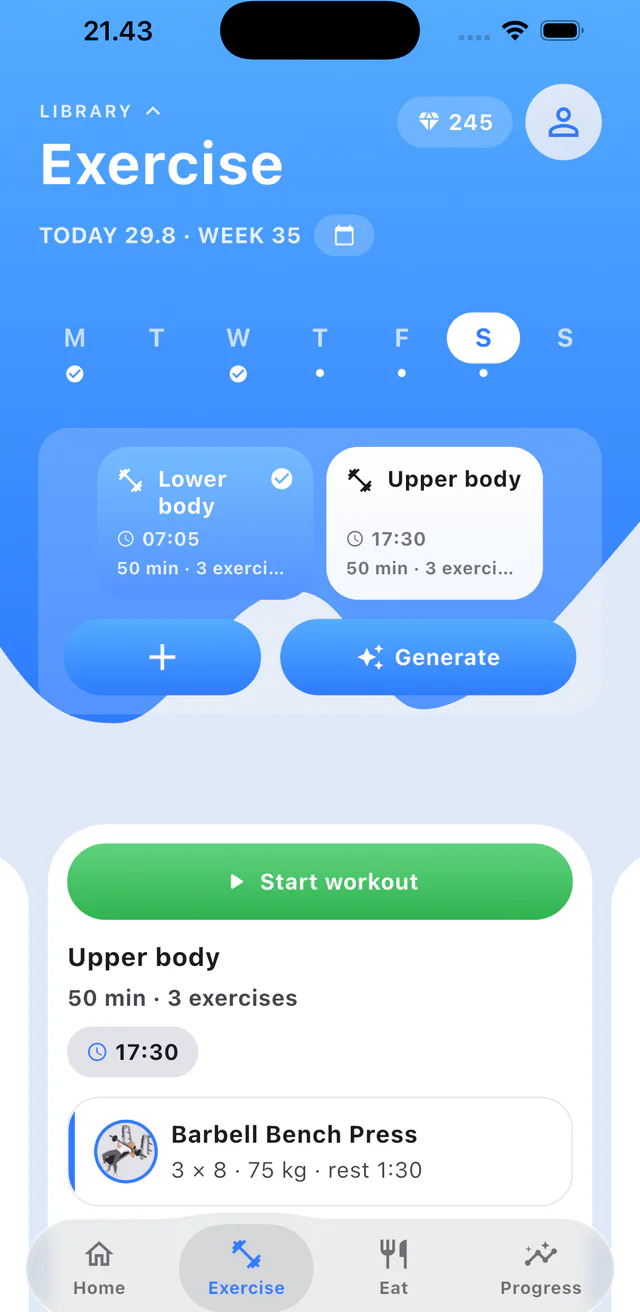
  1. Step 1: Open Exercise and select a workout.
  2. Step 2: Tap Start workout.
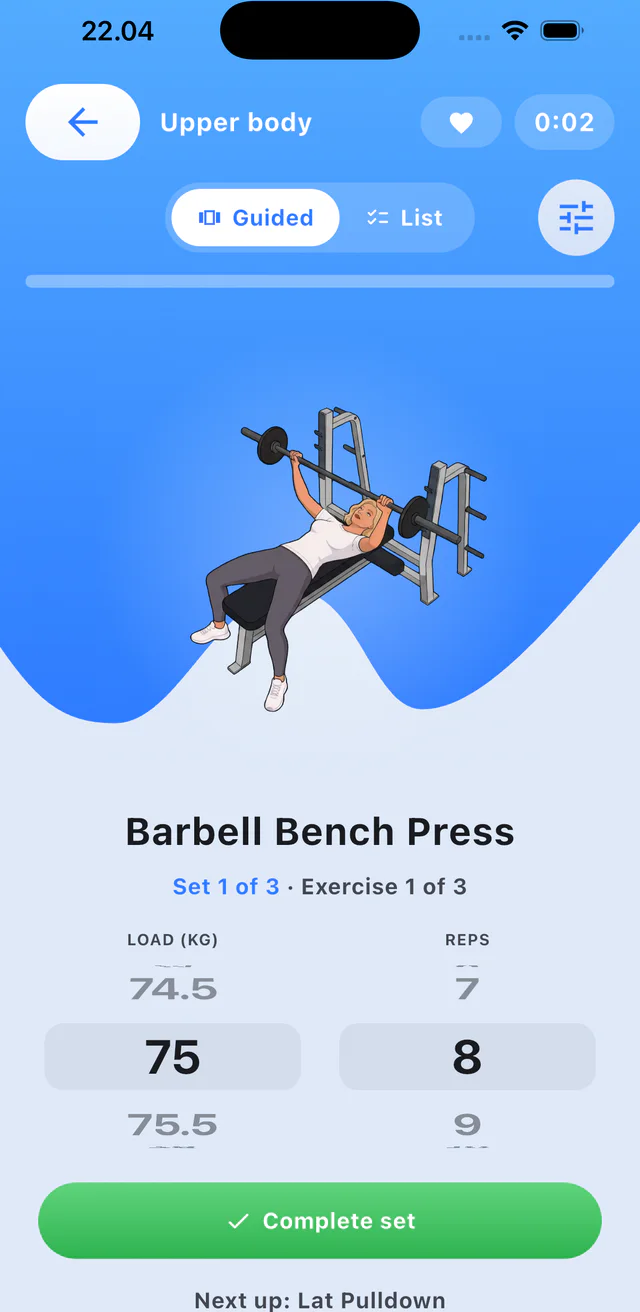
  3. Step 3: Enter the set and tap Complete set.

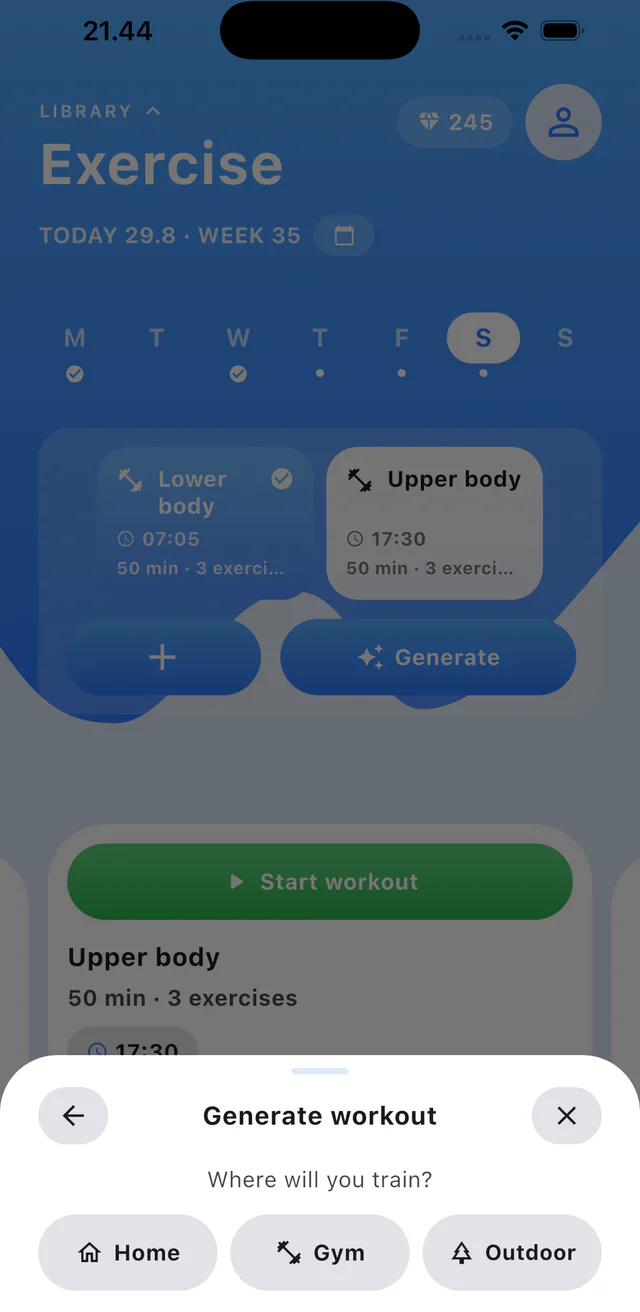
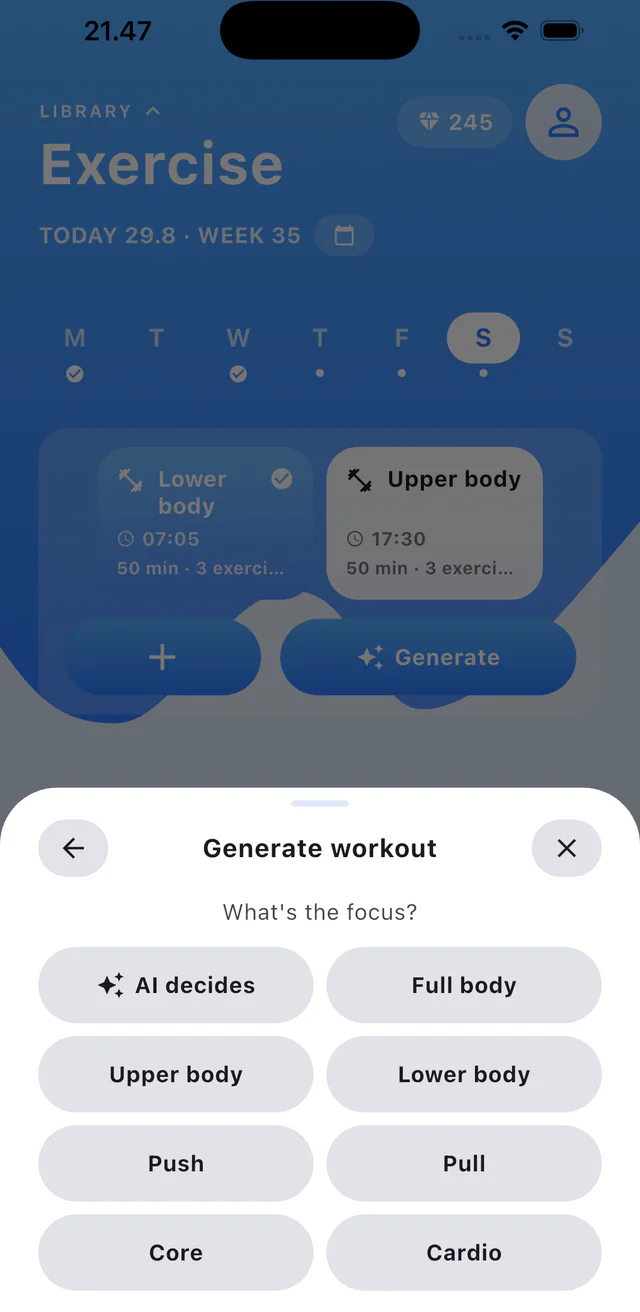
Generate a workout with AI

4 steps
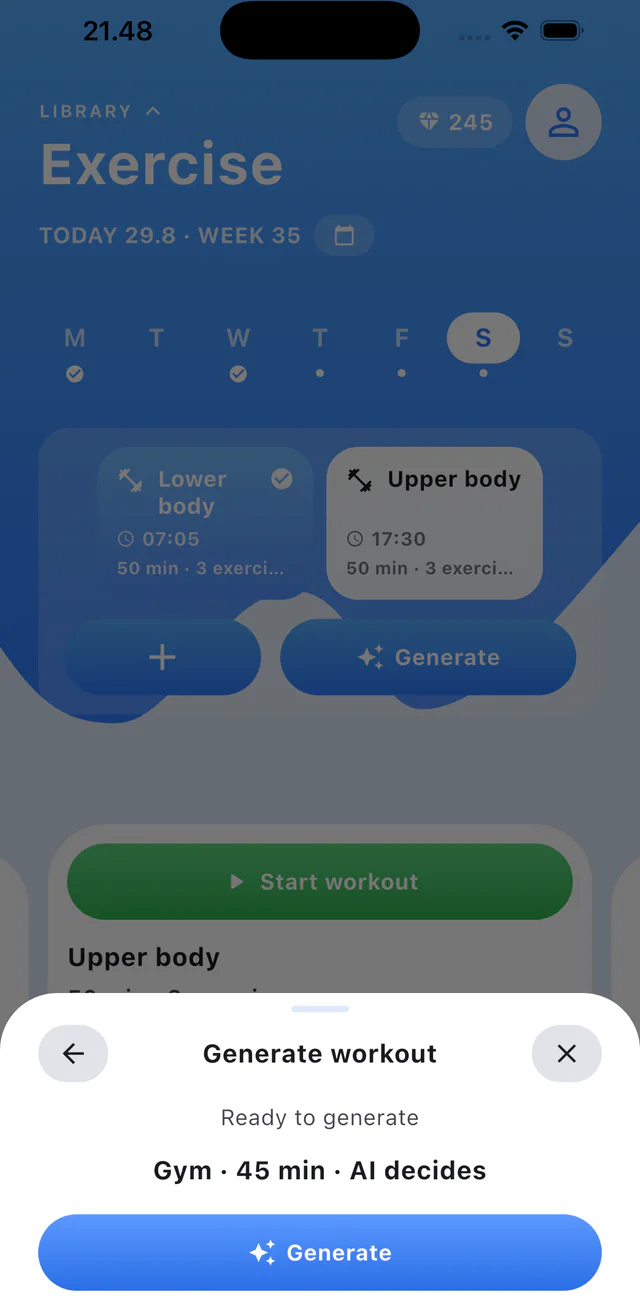
  1. Step 1: Tap Generate in Exercise.
  2. Step 2: Choose where you will train.
  3. Step 3: Choose the workout focus.
  4. Step 4: Review the choices and tap Generate.

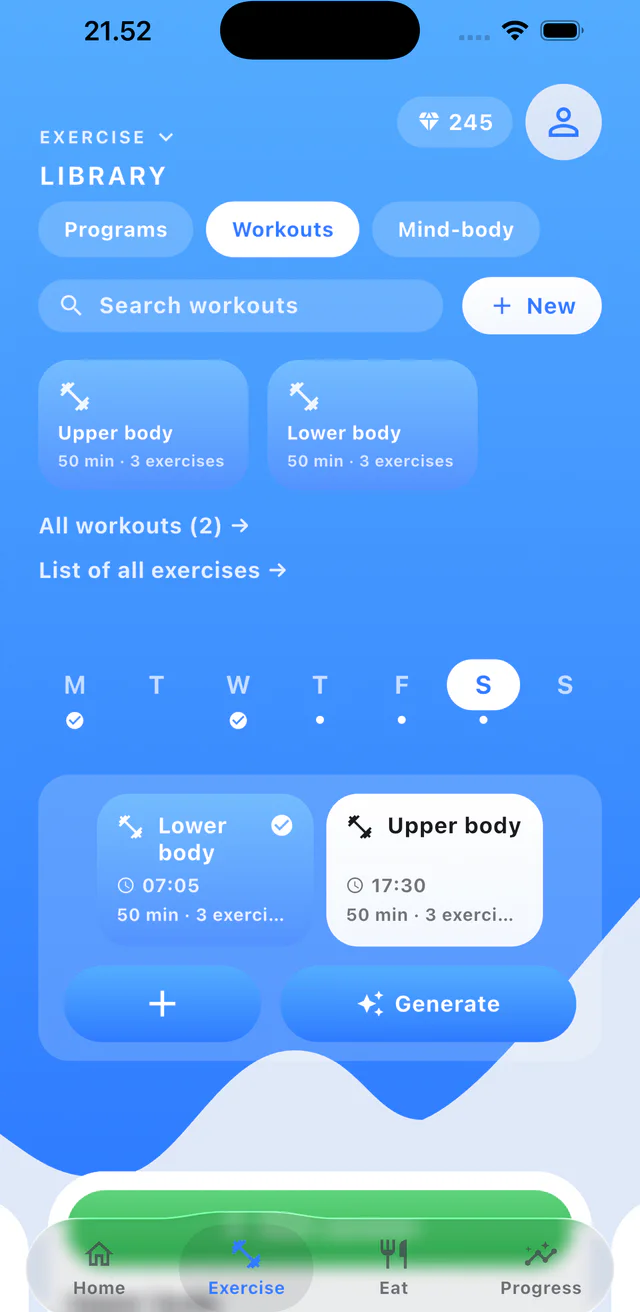
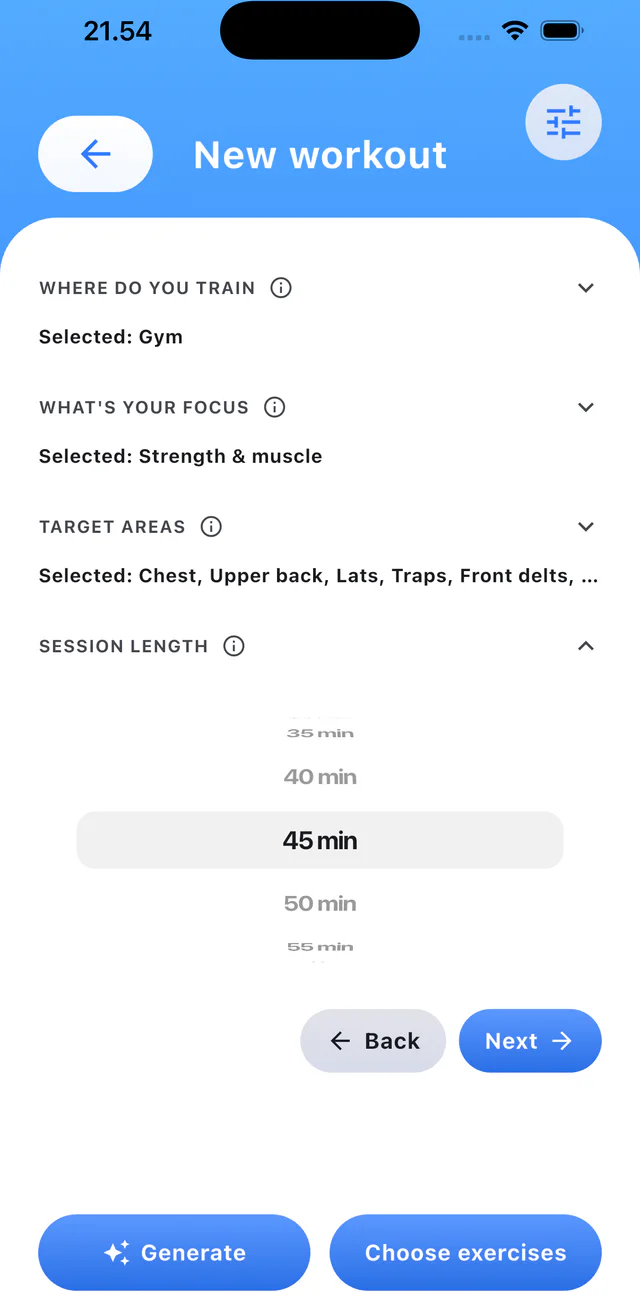
Build a workout manually

4 steps
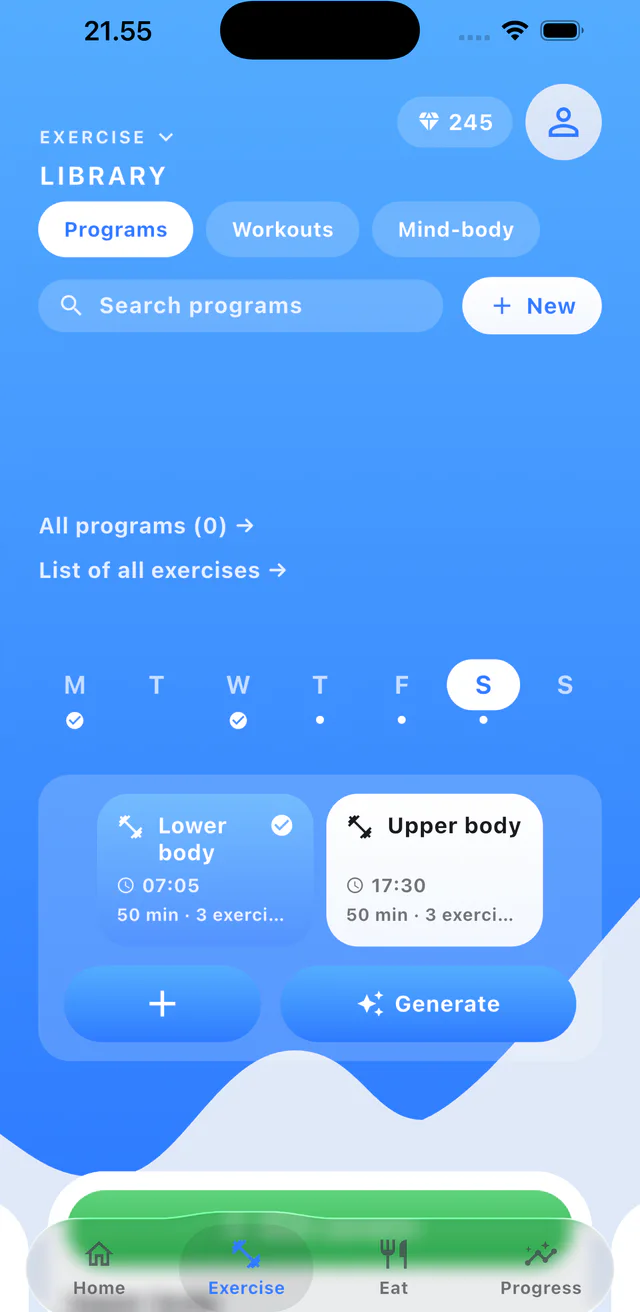
  1. Step 1: Open Workouts in Library and tap New.
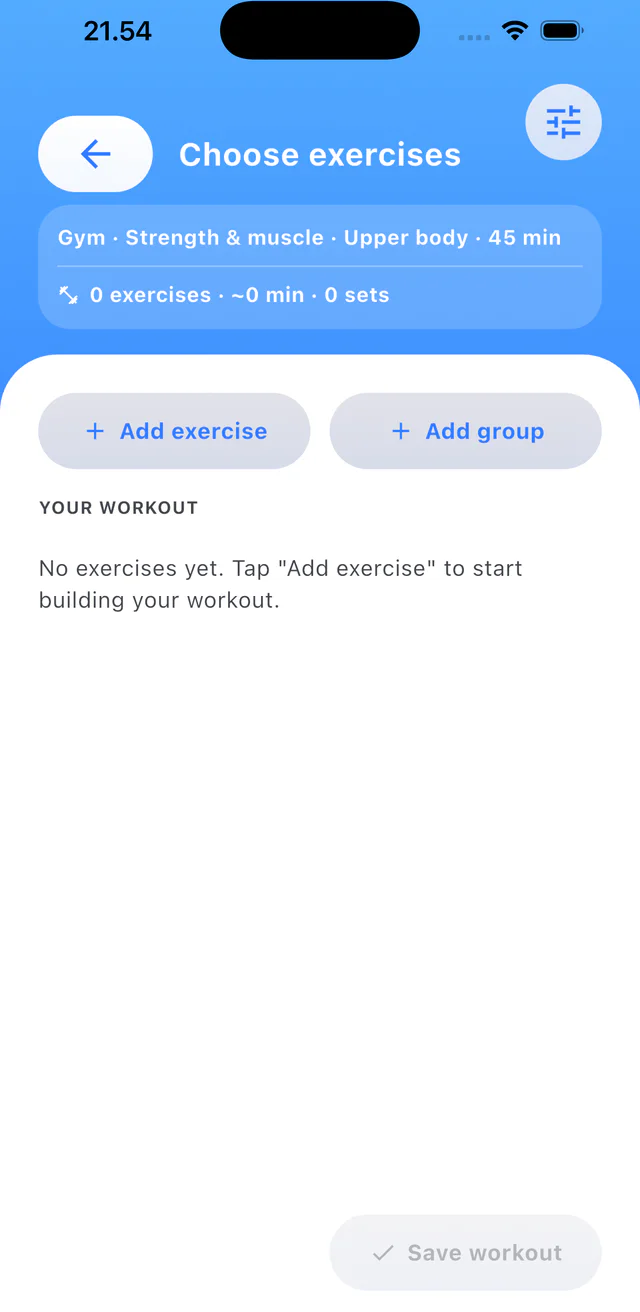
  2. Step 2: Set the workout details and tap Choose exercises.
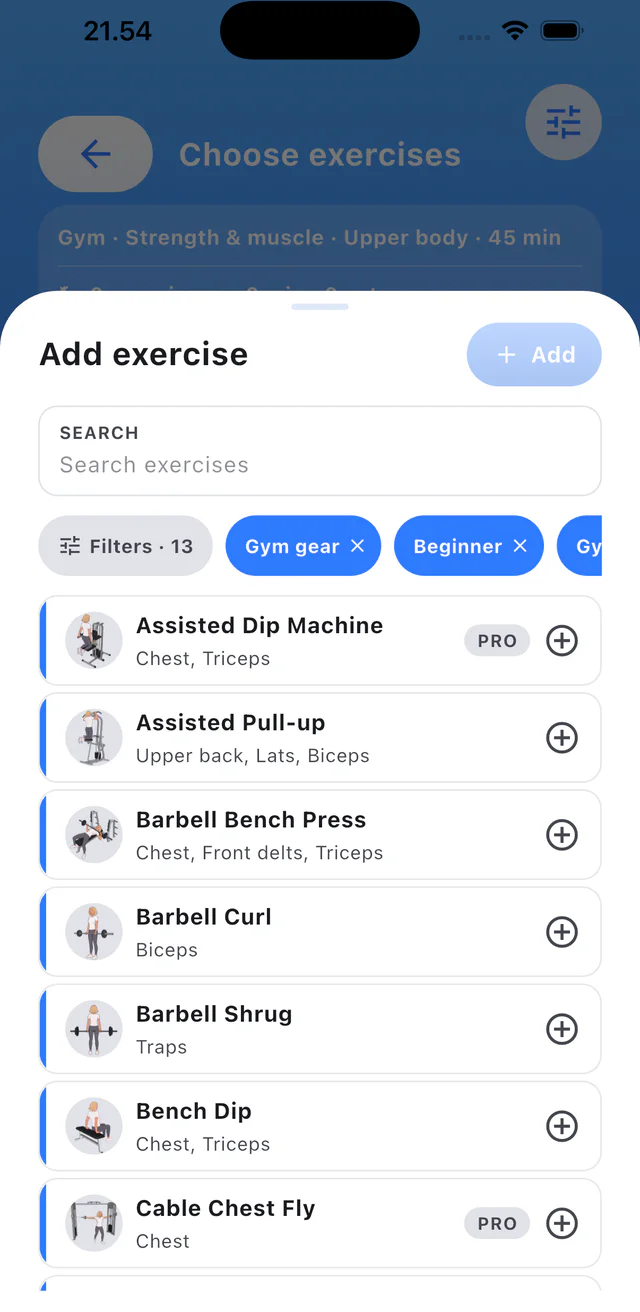
  3. Step 3: Tap Add exercise.
  4. Step 4: Search and add exercises with the plus buttons.

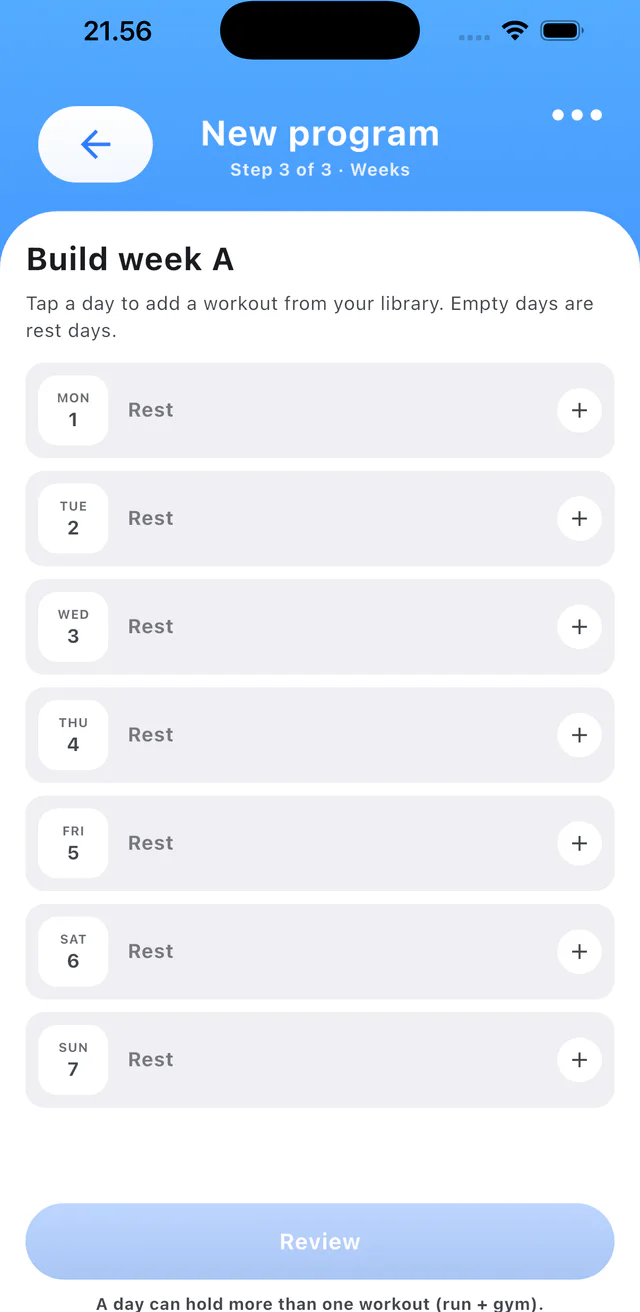
Create a program

4 steps

  1. Step 1: Open Programs and tap New.
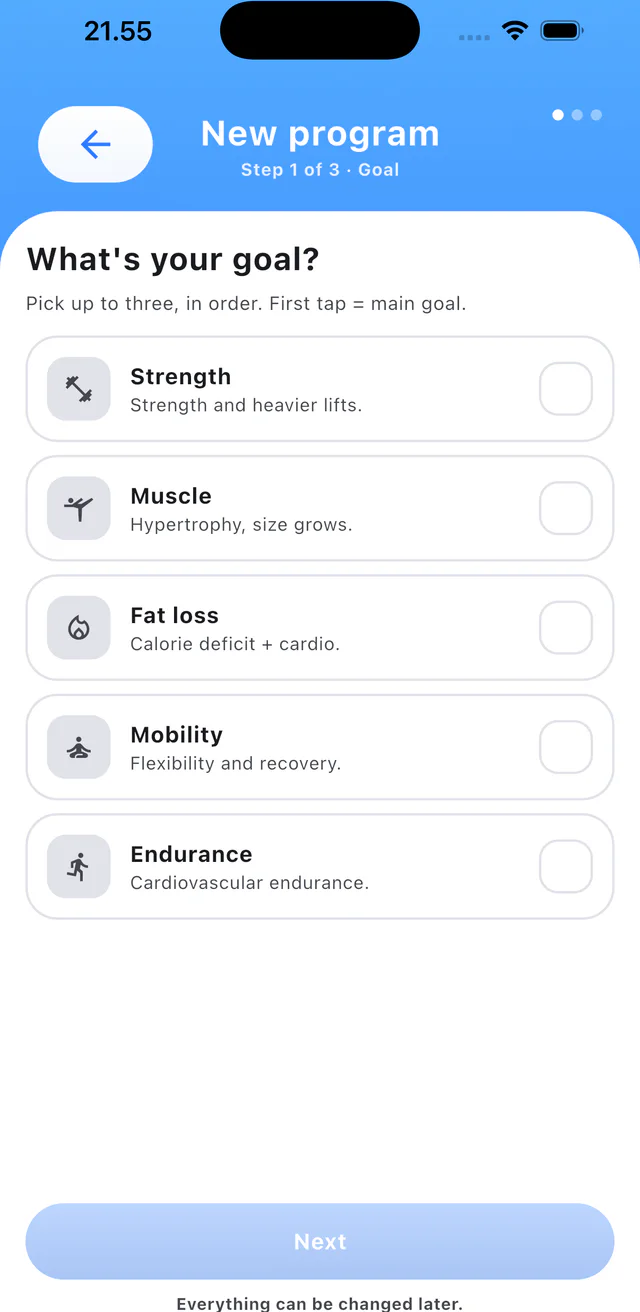
  2. Step 2: Choose the program goal.
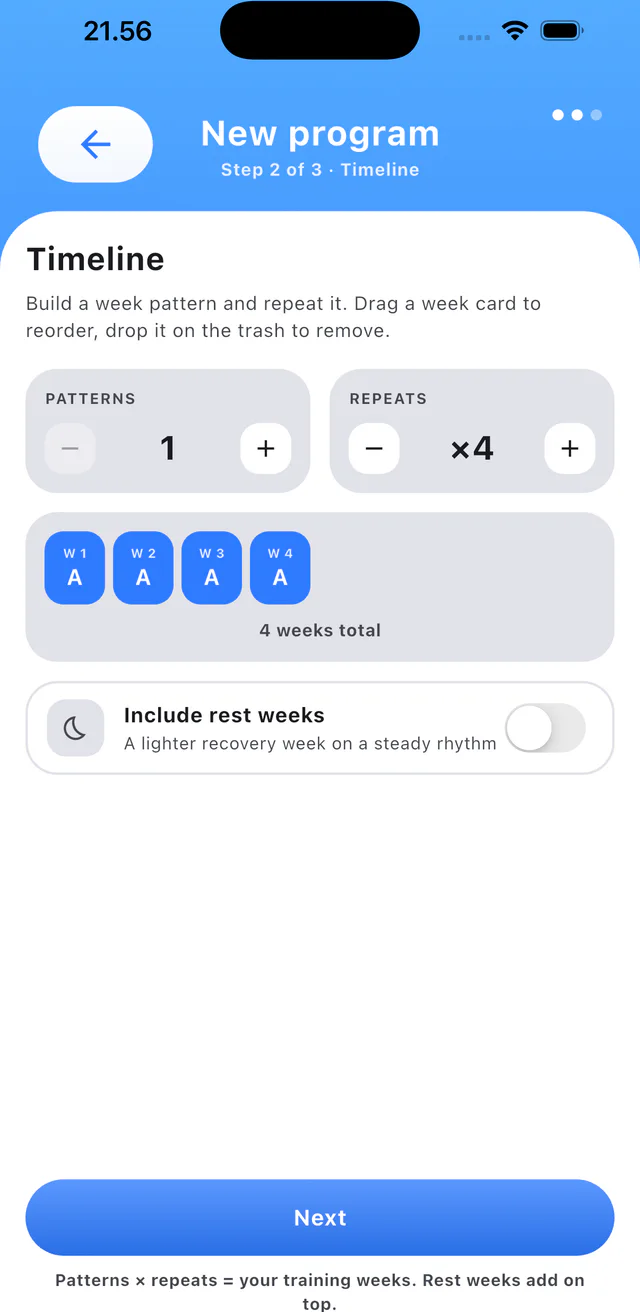
  3. Step 3: Set the timeline and swipe week cards to reorder them.
  4. Step 4: Add workouts to days and review the program.

Change theme and color

4 steps

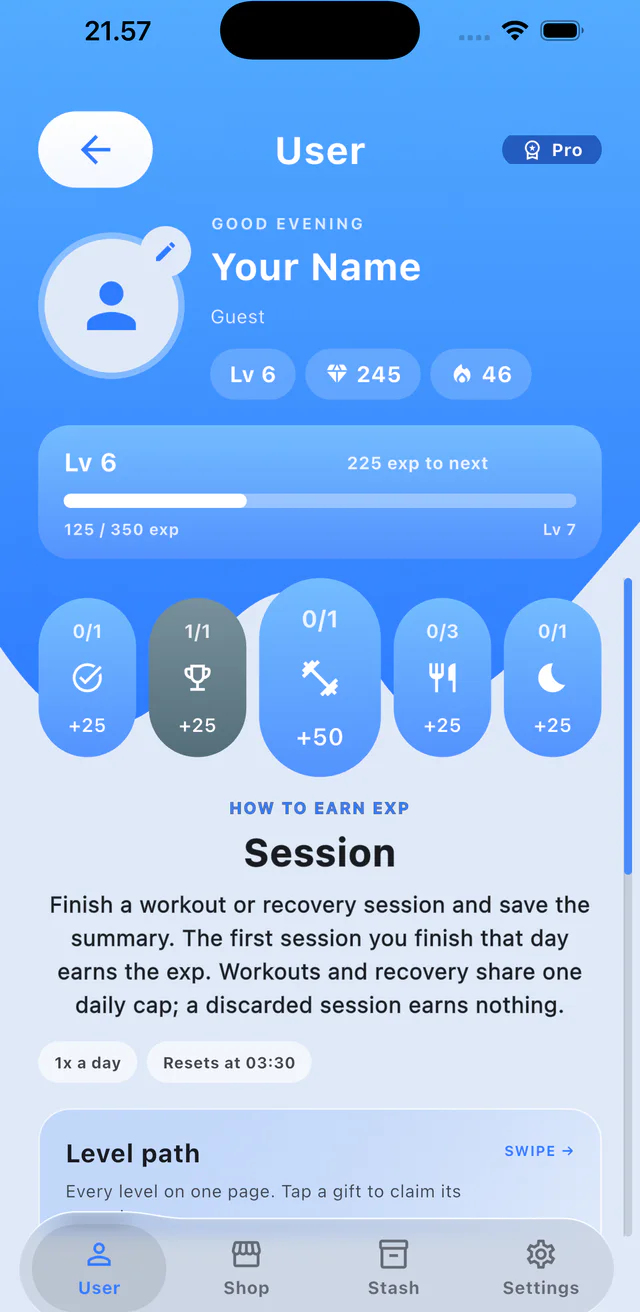
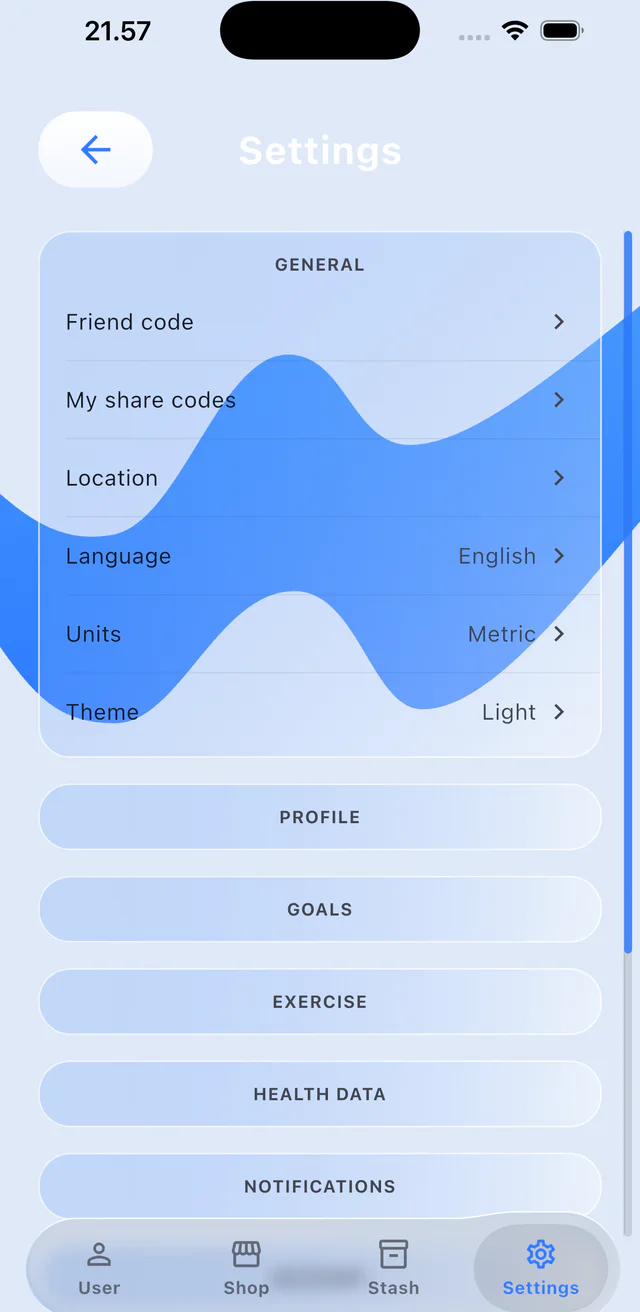
  1. Step 1: Open your profile and tap Settings.
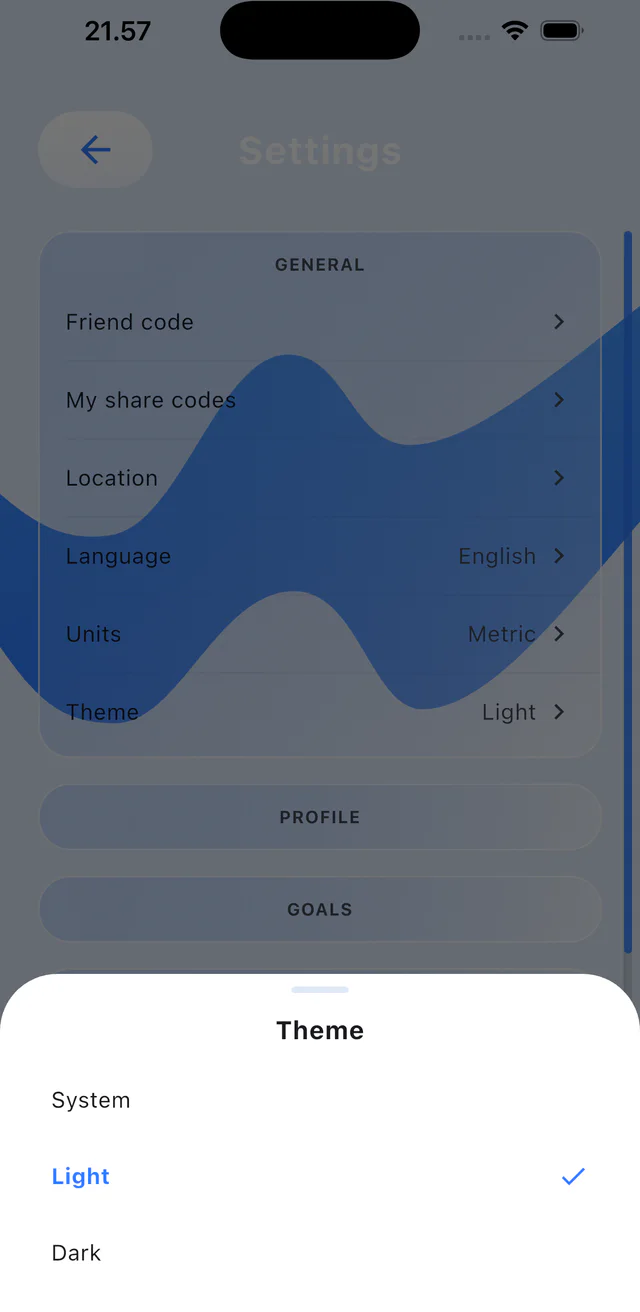
  2. Step 2: Tap Theme.
  3. Step 3: Choose System, Light or Dark.
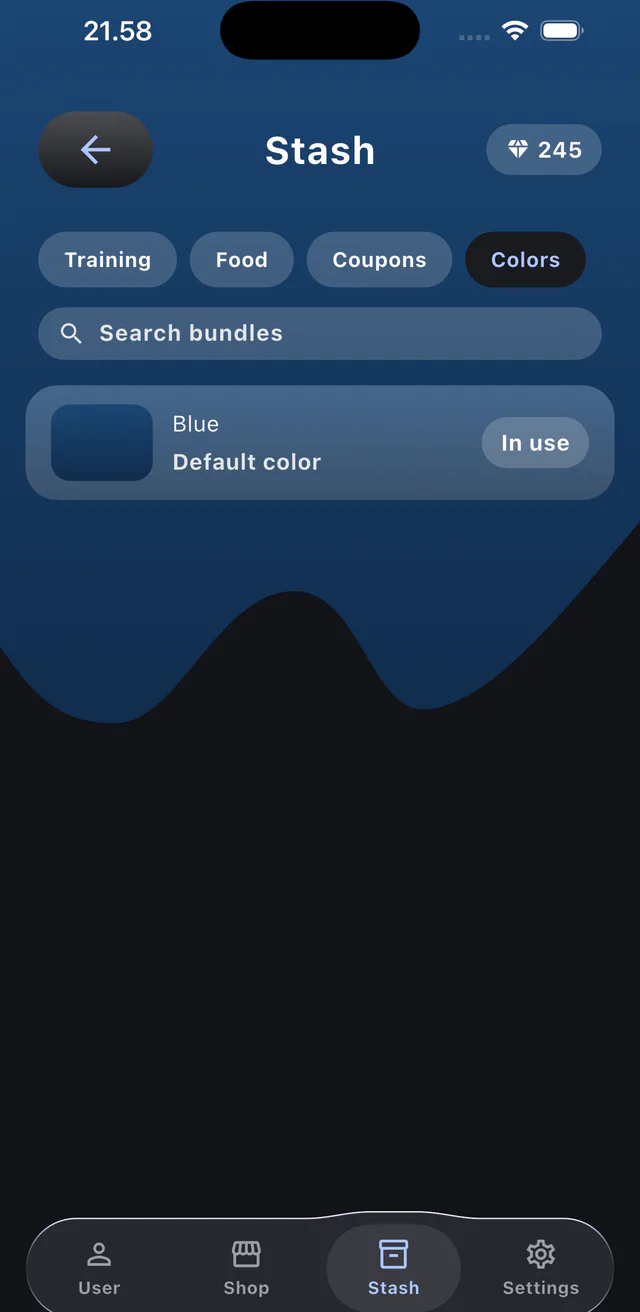
  4. Step 4: Open Stash, choose Colors and select an accent color.